Code of Professional Ethics in Educational Technology

Link to Document

I am extremely grateful to Catholic education not only for providing me with a wonderful education, but then employing me to teach in its schools. However, it has been a source of internal struggle, because private schools tend to be a service accessible only to the wealthy.  My parents weren’t wealth, but at the time Catholic schools were somewhat affordable.  At my current school the annual tuition is $12, 387, which is an increase of 217% over a ten year period. This is huge.

The school does provide generous financial support. There is almost 3 million dollars annually that goes to tuition assistance. The most in the area. And several students attend the school tuition free due to academic promise and economic hardship. If I were send my children to the school, their tuition would be nearly paid for.

Concerning this assignment, it was fascinating to start looking at the school from the lens of an administrator. The costs and logistics of implementing a high level technology program are great. Yet, as it states in the text, institutions are driven by competition. In order to succeed one must compete. Education technology is driving force in the cost education at the school and it creates many ethical dilemmas in terms of access. Yet, the strength of enrollment is due to the high quality of 21st Century learning that is occurring on the campus. I think that as long as the school continues to provide assistance to families in need they can say they are living up to their call to ethical standards.

 

Research in Education Technology

Julian Elorduy Research in Education Technology for 501

This was a great assignment. I feel like I was able to finish the project with a lot of useful information and a helpful new perspective on 1:1 computing in the classroom. I decided to research 1:1 computing because it is fairly new in the field and I am at the center of an 1:1 test facility. I have really enjoyed using iPads at school to deliver content through AppleTV Airplay and for students to use to complete various activities in the classroom. However, recently I feel my methods are becoming a bit stale. Combined with other teacher’s complaints about the program I was beginning to lose a little faith in the program.

After doing this research, I have realize that it isn’t the iPads that is causing problems. The iPads are a tool and like other tools they need to be used for specific academic purposes and guidelines for their use in the classroom need to be specific and geared toward productivity and innovation. I look forward to applying this new enthusiasm and direction in my classroom this week. I am grateful to have the opportunity to use this technology in my classrooms. I feel, however, that by this year in the program students are taking the devices for granted. I hope that I can be more innovative with a variety of apps rather than just cameras, word processing and presentation building.

RSS in Education

Relevant Links:

Lesson Plan: RSS in Education

Rubric: RSS in Education – Current Events

Directions: Evaluating Current Events

This assignment really work well to combine with something I was already doing in class without the use of an RSS Reader.  I really wish I could go back and use the lesson plan I created for this assignment in class. But I think that there is definitely still a chance for that to happen.

In my Sophomore religion class, we are discussing images of the Church within the scripture, church doctrine and in the media and popular culture. The assignment is a way for students to see how the media depicts aspects of the church or many of the church’s efforts in ways that can be positive or negative. We used this lesson to explore some techniques of persuasion used in marketing and also definitions of the word bias.

Students were intrigued to learn that they could find many negative examples. We took this as an opportunity to recognize that not everything the Church does is widely accepted and many students in the class had the opportunity to express things about their church life that frustrate them as they are getting older and more comfortable with their own opinions on where or not their faith experience within the Church is very meaningful to them.

In redesigning the lesson, I relied heavily upon one of the examples Professor Saba linked to the instructions. It was a great idea and structure for delivery. However, I tweaked it significantly to suit my needs within my classroom. I hope everyone in this class has success implementing their RSS feeds into a class lesson.

Thanks for reading and good luck with the rest of the lessons!


Makey Makey Tutorial

Hello,

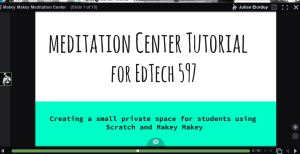
This week we were asked to created a tutorial on one of our Makey and Scratch projects. I chose the Meditation Center. I realize that this project is rather simple. But I find it relevant to virtually any classroom setting. The animated gifs and sounds create a simple and beautiful virtual reality where students or teachers can enter a world of peace and tranquility.

The Makey Makey controller is rather simple and can be made with any conductive equipment. In my example, I used apples with letters carved into the tops. The animated gifs were taken from some public video content of water and a grassy field. The sounds are from one of my favorite artists, Brian Eno. But any of the images or sounds could be customized by the user.

I look forward to see this used in my own class, where I use meditation weekly as a way to de-stress students. In my senior classes, students over burdened with stress about grades, school activities, college applications and test scores. I use meditation extensively to get students to a place where they can worry less and enjoy life more.

The use of Voice Thread was very new to me. I do not know if I will use it again, as Adobe Voice seems to be a nice combination of VoiceThread and presentation software. Once I created the presentation in Slides (Google), I converted it to a PPTX file and uploaded it to Voice Thread. From there, I could do minor customizations. Some of the slides looked fine in Slides, but did not upload correctly into Voice Thread. So I had to make some adjustments along the way. Once things were finally corrected, I was able to add voice over audio without a problem. It was kinda of fun to hear your own voice speaking over the slides.

Happy meditating!

voicethreadscreenshot

Meditation, Scratch and Makey Makey

Hello All,

I went to the movies today to see the Steve Jobs movie. I though it was quite inspiring. Seems that he is a very authoritarian figure with a strong vision for his company and I respect what he accomplished, even though he had many failings in his relationships with his peers and family. All of that aside, my inspiration came from the 20 minutes of ads and previews I saw before the movie began. I will never show up early to a movie again.

I have a strong feeling that modern society is overly stimulating. Television geared for children and adults is a bit like that Simpsons episode mocking the Japanese cartoon that reported gave children seizures. This constant sensory overload creates students accustomed to a level of stimulation that is very difficult to create in the classroom.

See:

http://www.pbs.org/wgbh/pages/frontline/digitalnation/view/

A Nation of Kids with Gadgets and ADHD

Here is an my scratch project.

I decided with this weeks project to use technology, which is something that usually creates stimulation, to allow students time to hear a pleasant ambient composition and watch an animated gif of something pleasant and beautiful. In class, I teach comparative religion. I use guided meditation often to allow students time to be peaceful and center themselves. Students ask for it and some have said they have started meditating at home too.


Islam and Makey Makey

With the introduction of Makey Makey and Scratch, I have been attempting to incorporate my religion curriculum. At my high school, we study Islam in the Senior comparative religion course. I used the scratch platform to engage students in a opportunity to use scratch as a way to experience different sights and sounds of the Muslim world. In this experience students can hear, see and read important lessons about the religion.

face islam game

iSLAM GAME

https://scratch.mit.edu/projects/84446862/

Makey Makey and Scratch

This past week has been an unpleasant one. I was taken down by the flu and set back nearly over a week. I finally got the makey kit at a local Toy’s R Us. I was really challenged by what sort of project I could pursue using Makey Makey. I wanted initially to do something musical. However, I could not find an application for music in a game that would be useful in a classroom in a way that it had not already been used.

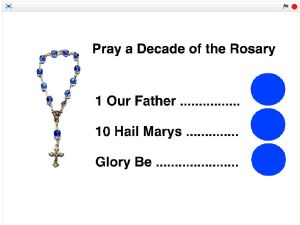
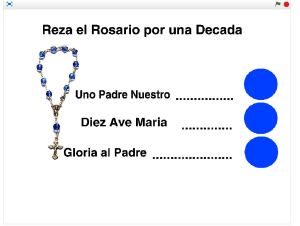
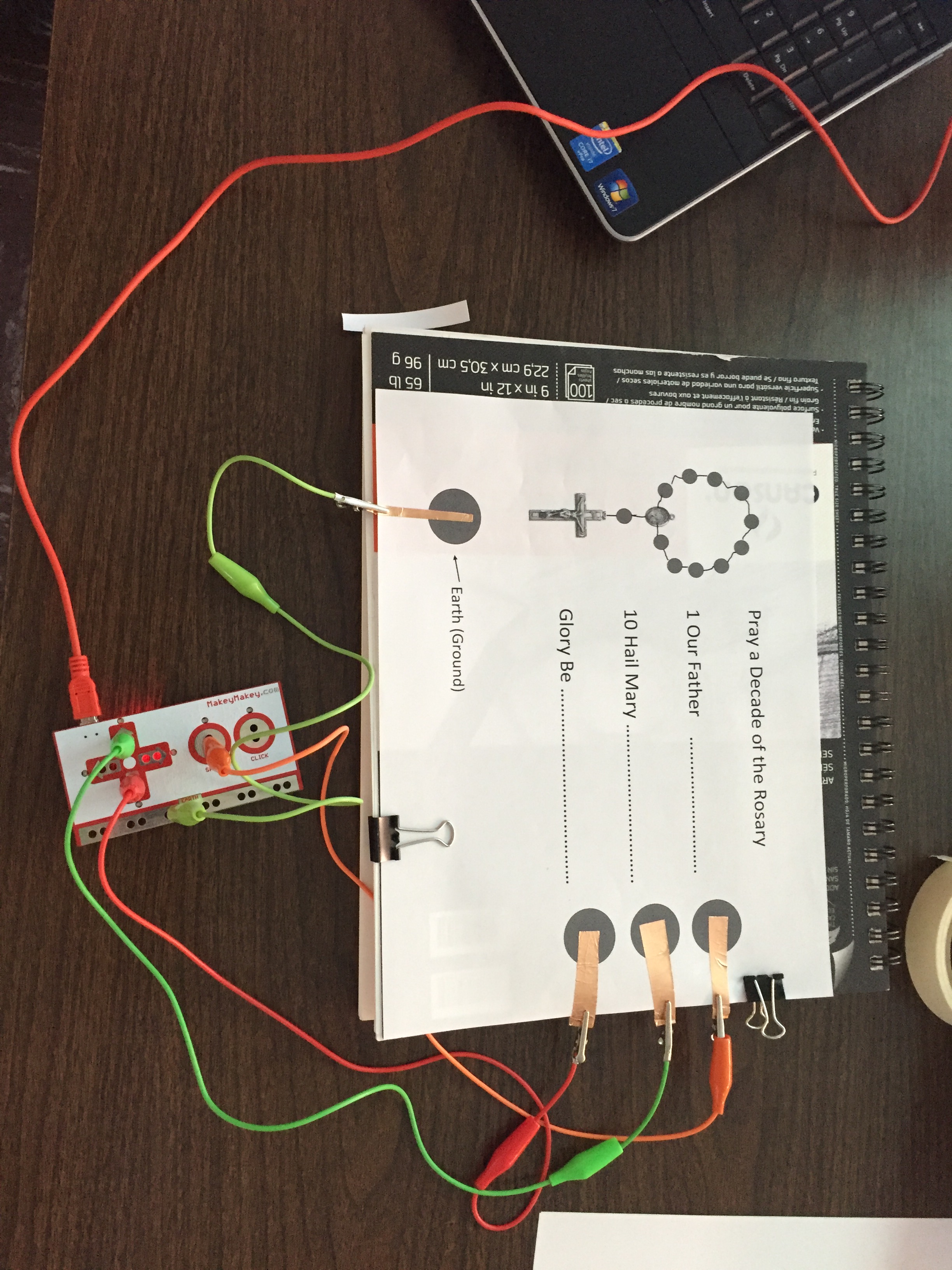
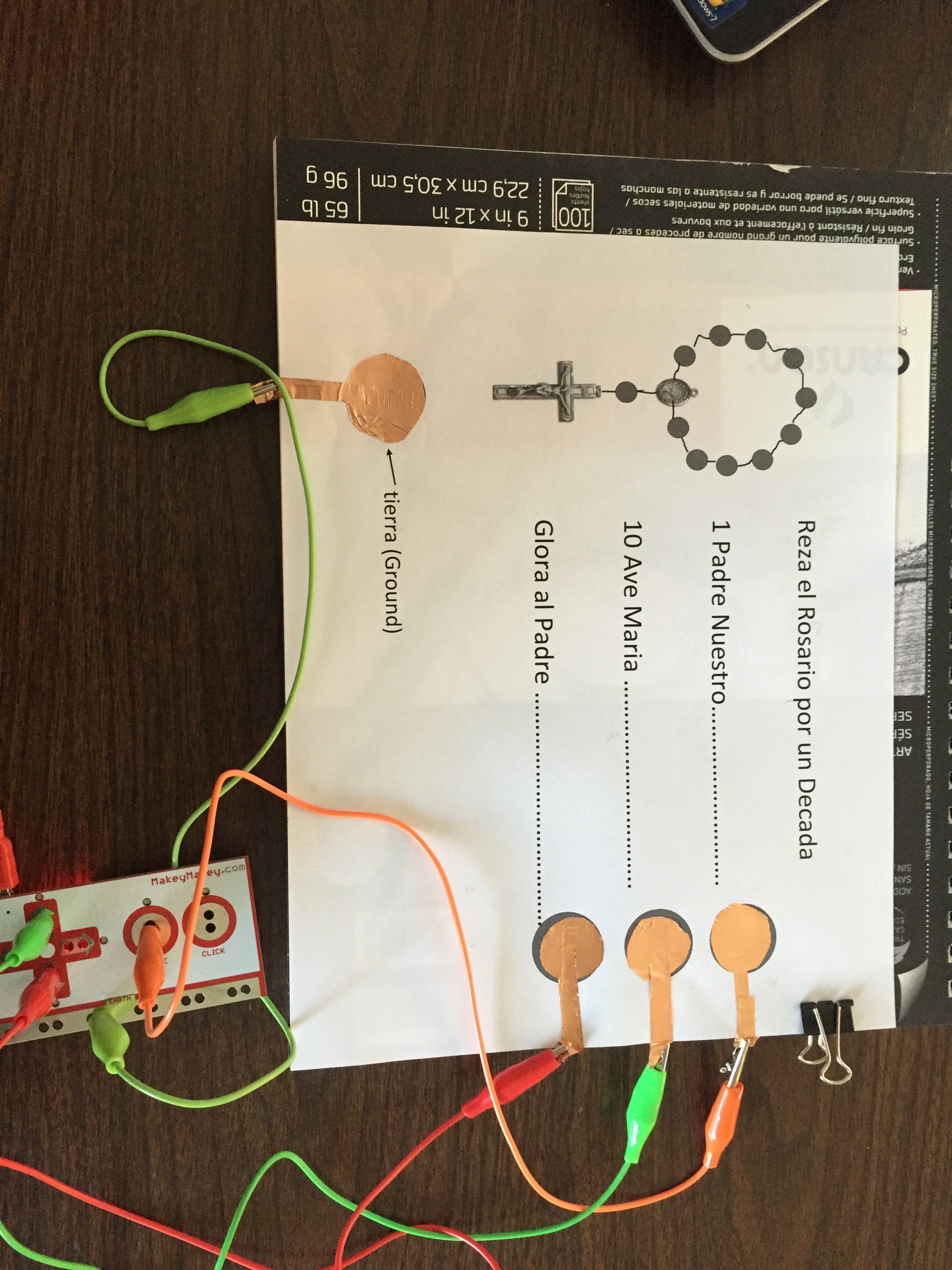
I thought hard about it for a while and reminded myself that I am a religion teacher at a Catholic School. What do we do in religion? We pray. I came up with an interface that could help students pray the rosary. From there the project really was not terribly challenging, so I decided to construct two scripts. Seeing how reciting the rosary in English is not that challenging for most students, I created one in English and one in Spanish. So that older students who are practicing Spanish could use the interface to practice through prayer.

Click the screenshots to see the projects.

English Rosary Spanish Rosary

IMG_1472 IMG_1471

Scratch Loops

Scratch continues to be a really fascinating platform. I look forward to having more time to play with it in the future. This week we dabbled with loops and clones creating two games that are based on the cloned sprites and are similar to the earliest video games. I realize that what we are doing very primitive, but I am still proud of our contribution to the scratch projects.

I hope that I can get a jump start on the activities for next weeks projects. It’s nice to see so many talent programmers in our class. They seem to be full of great ideas and feedback on our results.

Project 1 – Save the River

This game is for students to practice some ecology through a game.

Project 2 – Help Dan Eat a Healthy Snack

This is made for students to practice healthy eating habits.

Deep Scratching

Seems like every time you think you have mastered this program, new things unveil themselves. I enjoyed working with Scratch this week. I feel like when I have an idea, I now know exactly how to tell the program to do what dreaming up in my head. I know that there is still much more to learn, but I think that I have a level of comfort working with the program that is satisfying.

I am writing this having only finished on of the two project for the week. I decided to see what others are doing and noticed that they too avoided the line follower project. It seemed a little hairy and prone to nuance. I also didn’t a lot of application in that particular game for in the classroom. However, I could see how a similar styled game could be useful given another design.

I look forward to seeing what I end up creating this week. I’d really like to get ahead too and possibly do next weeks assignments as well.

Cheers and happy scratching!